Set up once. Start getting paid.
Connect your wallet
Tell MakaPay where to send payments. No crypto knowledge required — just a wallet address.
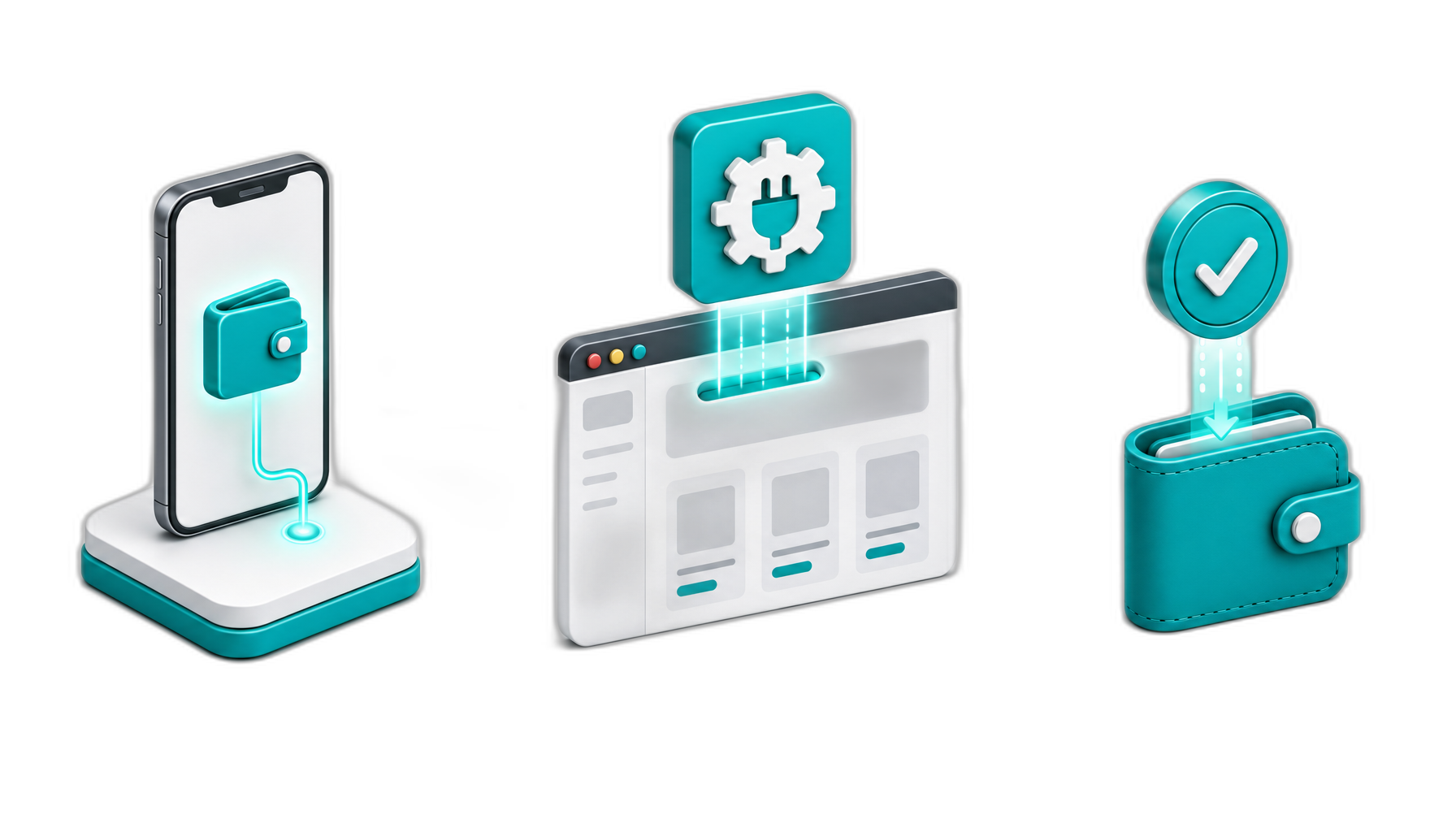
Customer pays, you receive
Your customer pays in crypto. Funds hit your wallet in seconds — no holds, no middlemen.
Add crypto to your store
Paste one link on your site, or install our WooCommerce plugin. Five minutes of setup.
Connect your wallet
Tell MakaPay where to send payments. No crypto knowledge required — just a wallet address.
Add crypto to your store
Paste one link on your site, or install our WooCommerce plugin. Five minutes of setup.
Customer pays, you receive
Your customer pays in crypto. Funds hit your wallet in seconds — no holds, no middlemen.
What is the Gas Tank — and do you need one?
The short answer
The Gas Tank is a small prepaid balance that covers the processing fees when your payments settle on the blockchain. Think of it like keeping a small float in a payment processor account — it pays the transaction costs automatically so your customers always see a clean price and you always receive the full amount you asked for.
You don't have to use it. But if you want your checkout to feel as clean as a credit card payment — where your customer pays exactly what's shown and nothing more — the Gas Tank is what makes that possible.
Why blockchain payments have processing costs
Every blockchain charges a small fee to process a transaction — similar to how a card network charges an interchange fee. The difference is that blockchain fees are paid in the native currency of each network: ETH on Ethereum, MATIC on Polygon, BNB on BSC.
If you were managing this yourself, you'd need to keep separate balances on each chain and monitor them constantly. That's the part MakaPay eliminates.
How it works in practice
You deposit USDT once into your Gas Tank on MakaChain. That's it. From that point forward, every time a payment settles — on any supported chain — MakaPay draws the exact processing cost from your Gas Tank automatically. You never touch ETH, MATIC, or BNB. You never monitor gas prices. You just receive payments.
A typical merchant on Polygon and BSC spends under $30/month in total processing costs from their Gas Tank.
Your three options for handling fees
Option 1: Gas Tank Mode
You fund the Gas Tank. Your customer sees a price, pays that exact price, and you receive that exact amount. All fees come out of your Gas Tank silently in the background. Cleanest experience for your customers.
Option 2: Fees deducted from payment
No Gas Tank needed. Your customer pays $100, you receive approximately $98.87 after fees. Simple to set up — good for testing or situations where a small difference in received amount doesn't matter.
Option 3: Customer pays the fee
No Gas Tank needed. Fees are calculated and added to the invoice total. Your customer sees a transparent breakdown and pays $101.13. You receive exactly $100. Common for B2B invoicing where clients expect to cover transaction costs.
What about payment mistakes? We fix them.
Occasionally a customer will send a payment to the wrong address, on the wrong network, or for the wrong amount. On most crypto payment platforms, those funds are lost. With a funded Gas Tank, MakaPay can recover them. The Gas Tank covers the cost of the recovery transaction, and MakaPay routes the funds back to you. It's the single biggest reason high-volume merchants keep a Gas Tank funded even when they don't technically need one for fee handling.
Wrong network
Customer pays on Ethereum when invoice was for Polygon. MakaPay detects the mismatch, the Gas Tank covers a cross-chain recovery, and funds route to your wallet on the correct network.
Wrong token
Customer sends USDC when you asked for USDT. The Gas Tank funds the swap and forwards the converted amount to you — no manual support ticket required.
Underpayment
Customer sends less than the invoice. MakaPay automatically reconciles and applies the partial payment to the invoice instead of bouncing it.